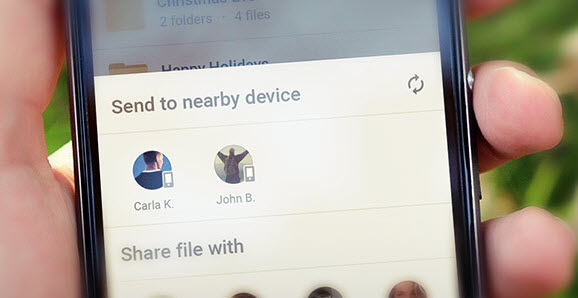
Happy Mother’s Day!



Optimized image preview
We’ve enhanced the preview of image files in the application, making it easier
to both view the media and access the “File Operations” menu.
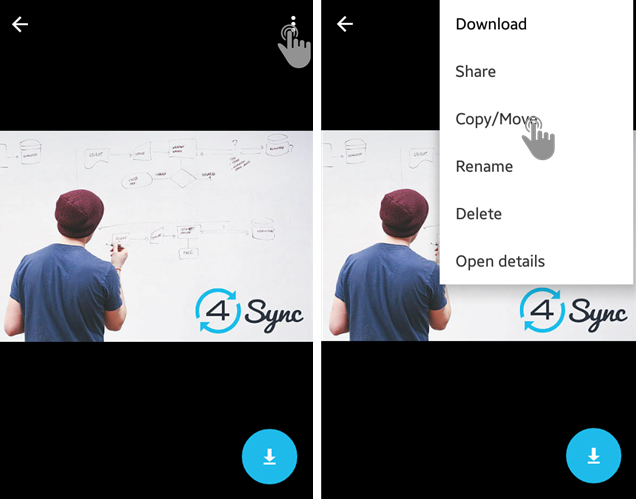
Document editing options
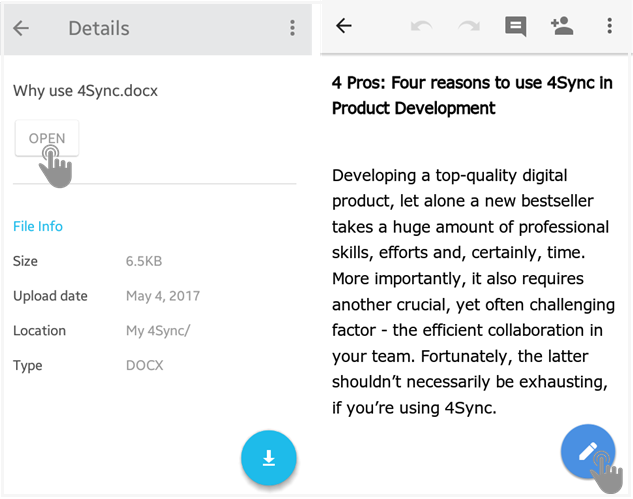
We’ve also enabled editing MS Word documents directly in 4Sync for Android:
1. Tap “Open” on file preview.
2. Tap the “Pencil” button.
3. Begin editing.


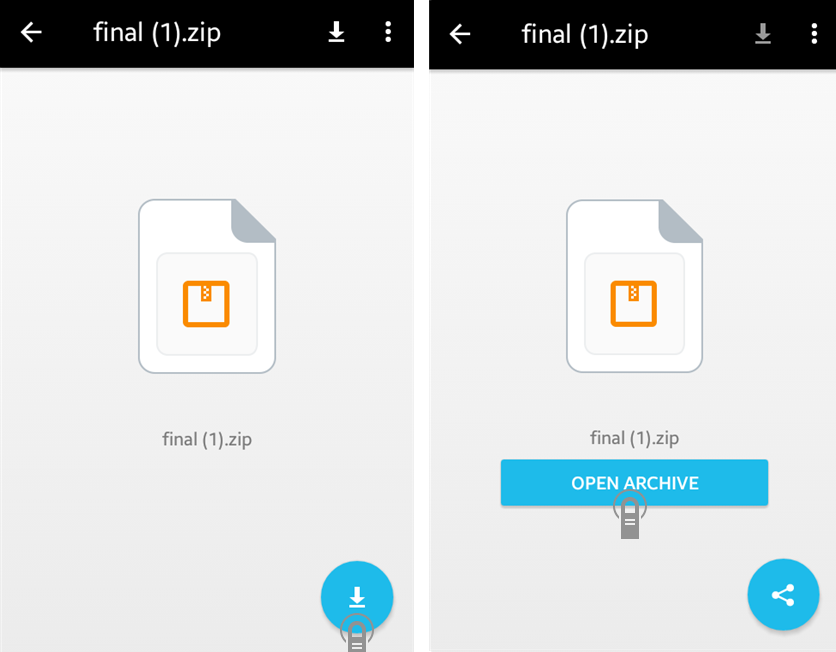
We’ve enabled the preview of archive files
in the 4Sync app for Android devices!
How it works?
1. Tap an archive file (.zip, .rar or .7zip) in your 4Sync app.
2. Tap the “Download” button on the file preview.
3. Tap “Open archive”.

How it works?
1. On a computer, log in your 4Sync account.
2. Right-click a file and select “Share”.
3. Tick the “Shorten URL” checkbox.
4. Copy the short link and share it with others.